

Call notes that file themselves.
Connect Granola and every meeting summary lands on the matching deal, minutes after you hang up. The context your team needs — without anyone pasting anything, anywhere.
How it works.
Connect Granola once
Paste your Granola API key in Settings → Integrations. Your key is stored encrypted and can be disconnected anytime.
Take calls like you always do
Granola writes its AI meeting notes as usual. You don't change anything about how you work.
Notes land on the right deal
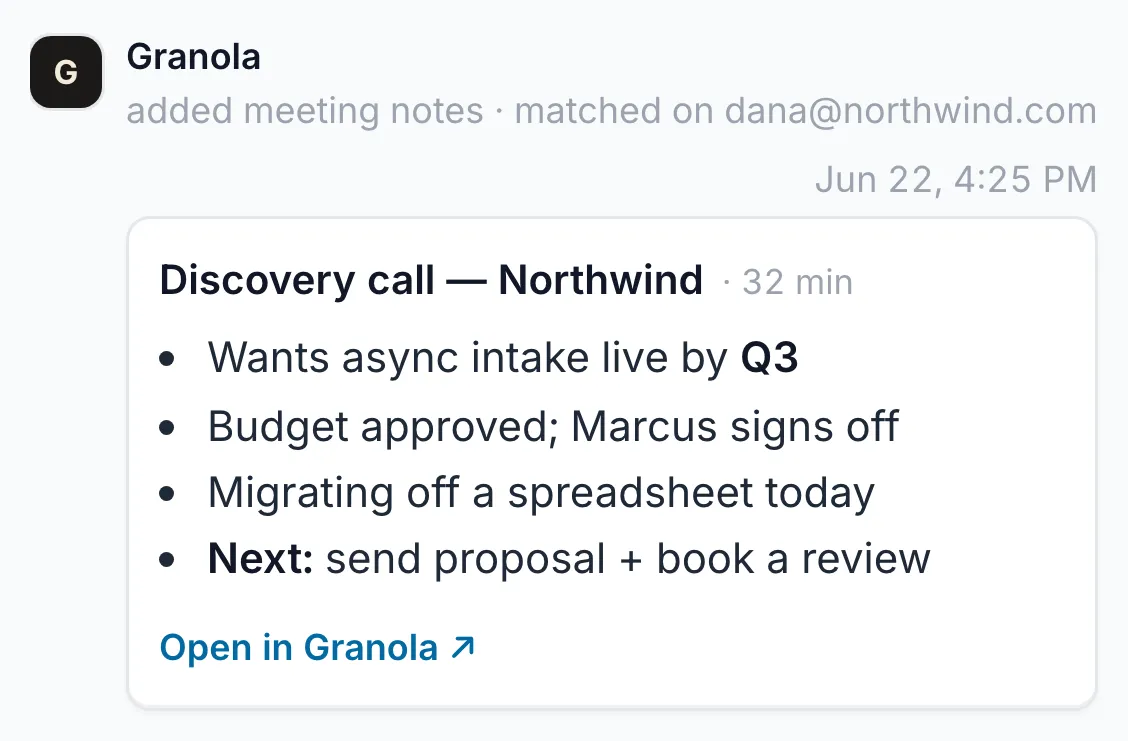
Within minutes of hanging up, the summary is attached to the matching deal — matched by attendee email or company name, with a link back to Granola.
The card carries Granola's clean AI summary and a link back to the full write-up — the transcript stays in Granola where it belongs. Notes are read-only in Dealboard, so your deal history stays a faithful record of what actually happened.
Finish the call. The notes are already filed.
Start free and connect Granola from Settings → Integrations.